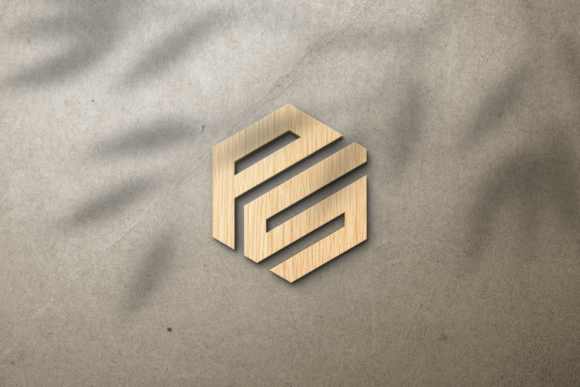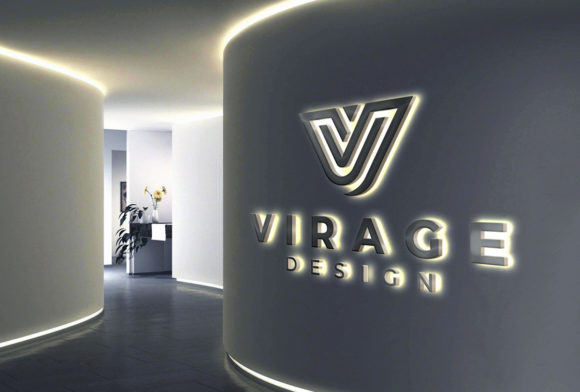
Crafting Visual Presence: The 3D Backlit LED Signage Mockup
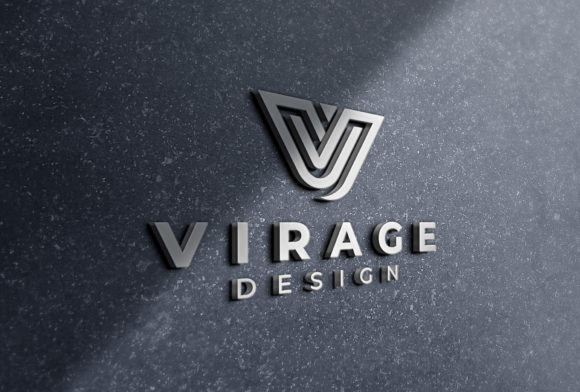
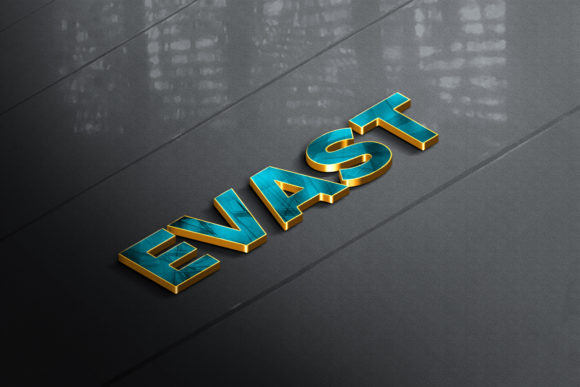
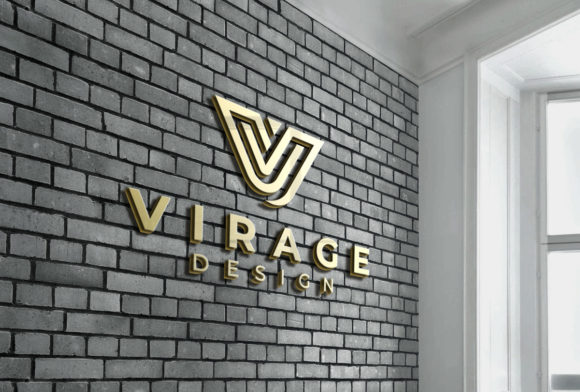
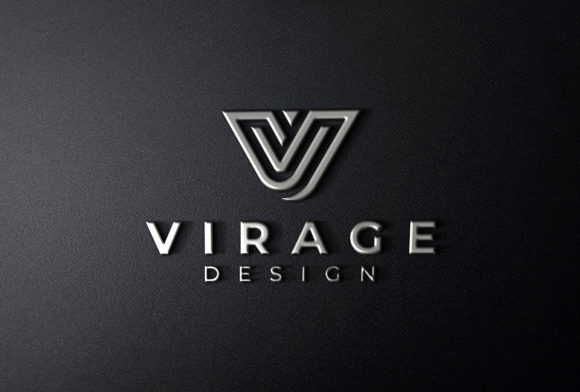
A logo is the cornerstone of brand identity, but its true potential is often realized when it leaps from the screen into the physical world. In the competitive landscape of commercial real estate, retail, and corporate branding, illuminated signage serves as a silent beacon. Creating a compelling visualization of a proposed sign, however, used to require expensive prototyping or speculative fabrication. This is where a high-quality 3D Backlit LED Signage Logo Mockup changes the game, acting as a critical bridge between digital design and real-world application.
The Core Utility of a Digital Mockup
At its core, a digital mockup of this nature is more than just a placeholder. It is a meticulously crafted PSD file that simulates the exact depth, material finish, and luminous characteristics of a fabricated sign. By integrating a standard logo into a "Smart Object" layer, designers can instantly generate a photorealistic representation of a 3D illuminated sign. This eliminates guesswork, aligns stakeholders, and provides a tangible asset for marketing and approvals long before production begins. It answers the critical question every client asks: "What will it actually look like at night?"
The Anatomy of an Effective Illuminated Sign Mockup
What separates a convincing mockup from a basic one is the attention to environmental detail. The best resources offer adjustable background colors or environments, allowing the sign to be contextualized against brick, glass, or drywall. They simulate the subtle bleed of light around the lettering and the sharp contrast of the unlit face. Look for files that offer varying "glow" intensity layers and realistic reflection management, as these are the hallmarks of a truly useful tool for a professional workflow. Scalability also matters—a great mockup works for a storefront, a lobby wall, or a trade show display.
For Design Agencies and Freelancers
When pitching a comprehensive branding package, a logo lockup on a letterhead is standard. Including a rendered 3D Backlit LED Signage Logo Mockup elevates the proposal from a service transaction to a vision. Clients often struggle to visualize scale and impact. Showing their logo illuminated on a building façade or in a lobby instantly communicates professionalism and justifies the investment in a full brand ecosystem. It becomes the centerpiece of a winning pitch deck.
For Sign Fabricators and Installers
The most successful sign shops have transitioned from purely reactive manufacturing to consultative selling. Using a mockup to show a client different options—such as a flush-mounted face versus a raceway-mounted sign, or warm white versus cool white LEDs—streamlines the sales process. It reduces the friction of change orders because the client has visually signed off on the specific aesthetic. This directly translates to higher efficiency and fewer costly material mistakes.
For Internal and Environmental Branding
Corporate environments are increasingly investing in "branded environments." A lobby sign, a conference room logo, or a culture wall with integrated lighting creates a strong impression on visitors and employees. Using a mockup allows facilities managers and creative directors to experiment with placement, scale, and lighting temperature without disrupting the actual workspace. It is an invaluable tool for approvals from executive leadership who need to see the final aesthetic before authorizing the budget.
Digital Marketing and Social Proof
In the digital age, content is king. A polished static render or an animated GIF of a backlit sign performs exceptionally well on platforms like LinkedIn, Behance, and Dribbble. It showcases a designer's ability to think in three dimensions and execute a cohesive brand vision. For the sign shop, using these mockups in a portfolio builds trust and demonstrates capability without needing to photograph every single past job in perfect lighting conditions.
Key Benefits: Usability, Communication, and Engagement
The primary benefit of a well-made 3D Backlit LED Signage Logo Mockup is the democratization of high-end visualization. Historically, creating a 3D render required a specialized artist and hours of computation. Today, drag-and-drop functionality allows a graphic designer to produce agency-level pitch work in minutes. This boosts internal productivity and allows smaller firms to compete with larger corporations for lucrative contracts.
Furthermore, it drastically improves communication. A mockup serves as a universal language between the designer, the client, and the fabricator. It answers questions about materiality—acrylic, aluminum, or neon—and lighting before they are asked. This leads to higher client satisfaction and a smoother approval pipeline, saving time and money for everyone involved.
Real-World Observations and Practical Recommendations
Consider a local brewery rebranding. They need a sign that feels industrial but warm. A standard 2D proof might show an amber logo, but a detailed mockup can demonstrate how the light interacts with a matte black aluminum housing and exposed "edison" style bulbs. This level of nuance helps owners feel confident in their investment. Similarly, a tech startup might need a sleek, front-lit acrylic sign for their headquarters. The mockup allows the team to test a minimalist sans-serif logo against a frosted white background before ordering costly fabrication.
When selecting a mockup for your toolkit, look for files that include a daytime "off" state and a nighttime "on" state. This binary capability is extremely useful for urban planning permits and landlord approvals. Also, check the resolution. A mockup that looks crisp at 100% zoom is suitable for large format printing in proposals. If you need it for a billboard pitch, ensure the base file is high-resolution or vector-based.
Making the Right Choice for Your Workflow
Compatibility is crucial. Most high-quality mockups are built for Adobe Photoshop and utilize Smart Objects. However, the industry is shifting, and many providers now offer optimized files for Affinity Photo, Sketch, or Figma. Ensure the file format matches your or your team's primary design tool. Evaluate the "editability"—the best mockups provide a dedicated layer for the background, the sign body, the light tubes, and the glow effects. This modularity allows you to tweak the brightness or color temperature without destroying the base file.
Lastly, consider the source. Reputable platforms like Envato Elements, Creative Market, or specialized providers like Yellow Images offer previews and community reviews. Investing in a professionally crafted mockup is an investment in your own business's credibility. Avoid low-quality or heavily watermarked freebies for client-facing work, as they often lack the nuanced physics of light that separates a decent mockup from a great one. Integrating a 3D Backlit LED Signage Logo Mockup into your workflow sharpens communication, reduces risk, and amplifies the perceived value of the brand identity you are presenting. Whether you are a solo freelancer sending out a proposal or a large fabrication house managing complex installations, this visualization tool ensures that the final physical sign matches the brilliance of the digital dream.