How to Use a Sticker 3D Text Effect with Editable Text for Real Projects
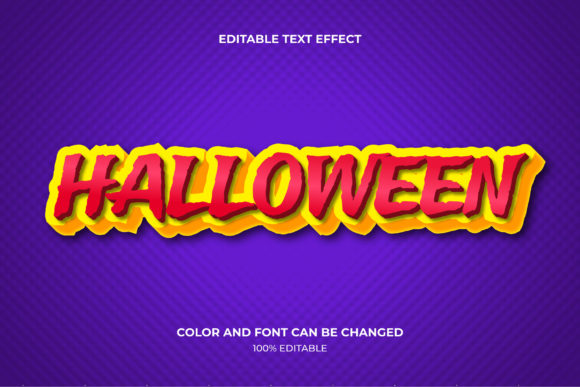
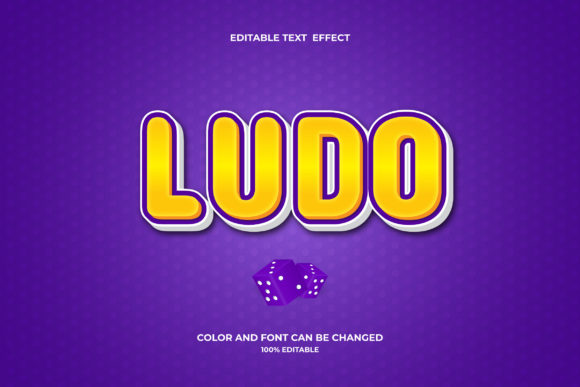
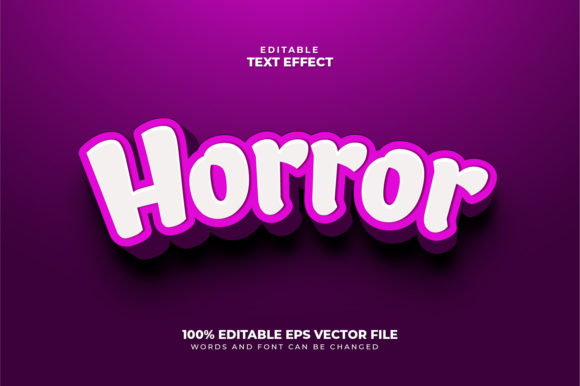
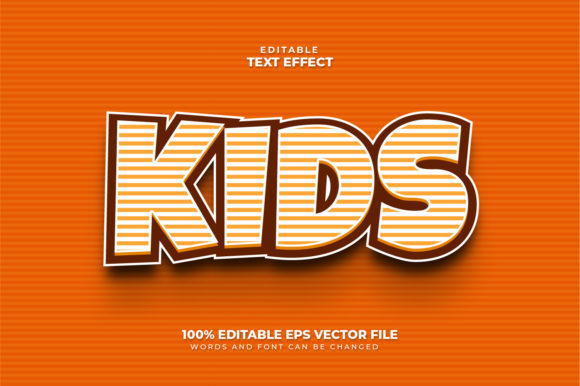
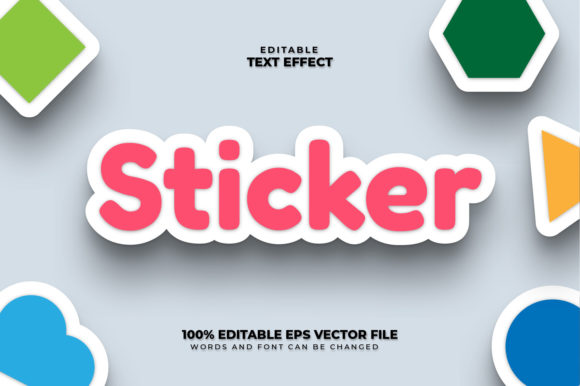
If you have ever needed text that pops off the page or screen like a physical sticker, you have likely run into sticker 3D text effects. These are graphic styles that mimic the look of a layered, embossed, or die-cut sticker with realistic shadows, highlights, and depth. The key difference from a static image is that the text remains editable. You can change the words, resize them, or adjust the colors without starting over. This combination of realistic three-dimensional appearance and adaptability makes it valuable for anyone who produces visual content regularly.
Where Sticker 3D Text Effects Fit in Everyday Work
Creators and marketers often need visuals that stop a viewer mid-scroll. A sticker style does exactly that. The raised lettering suggests something tangible, something that feels like it could be peeled off the screen. For Instagram stories, TikTok thumbnails, or YouTube channel art, a sticker 3D text effect can make a sale announcement, a quote, or a title feel more immediate and engaging. Entrepreneurs who manage their own brand assets can drop an editable text file into Canva, Photoshop, or Illustrator, type their store name or tagline, and export a consistent look every time.
Freelancers and agency owners also use these effects to differentiate client work. Instead of flat text on a banner or social media post, the depth of a 3D sticker style adds professionalism without needing to learn complex 3D software. The experience suggests effort and polish, which in turn builds trust with the end customer.
Printed Materials That Feel Tactile
While digital use is common, the sticker effect also translates well into physical products. Small business owners who produce merchandise — such as stickers, magnets, buttons, or apparel — can preview their text on a 3D sticker mockup before sending to a printer. An editable 3D text layer lets them test different sizes, colors, and phrases. For a coffee shop selling tote bags, a 3D sticker-style logo makes the bag feel more premium. For a stationery brand, the effect can be used on notebook covers or planner stickers.
Hobbyists working on scrapbooks or custom gifts also benefit. When designing a photo album for a family reunion, inserting editable 3D text for year labels or captions adds a quality finish without manual cutting and gluing. The effect stays consistent even if you decide to change a date or name later.
Who Gains Most from Editable Sticker Text?
Bloggers and publishers often need featured images that stand out in search results. A blog post title rendered with a sticker 3D effect on the header image can increase click-through rates because it feels more designed than a simple sans-serif title. Because the text is editable, the blogger can reuse the same layered file for each new article, simply typing in the new headline.
Educators and online course creators use these effects to make learning materials more engaging. Imagine a printable worksheet for children with “My Science Project” in a colorful 3D sticker font. The editable feature allows the teacher to customize the text for each student or topic. The same layer can be used on presentation slides to highlight key vocabulary or lesson titles.
Marketers launching a campaign need assets that feel cohesive but flexible. With an editable 3D sticker text effect, the same base design can adapt to different languages, seasonal offers, or A/B testing variations. The marketing team saves hours of rework because they are not starting from scratch each time.
Real Scenario: A Small E‑Commerce Launch
Consider a soap maker who sells handmade candles. They want a consistent look across their website banner, product labels, and social media introductions. They find a sticker 3D text effect template that uses editable layers. They type the words “Lavender & Honey” in the main text layer, adjust the shadow angle to match their packaging photos, and export. The same file later becomes the base for their limited-edition “Pumpkin Spice” label. Instead of paying a designer each time, they modify the text themselves in minutes. The result is a cohesive brand identity that looks bespoke even when scaled across multiple products.
What to Consider Before Using a Sticker 3D Text Effect
Not all editable 3D sticker text files are created equal. The first factor is editing environment. Some are built for Adobe Photoshop, others for Affinity, Procreate, or Canva. Always check whether the file format suits your usual tools. If you prefer drag-and-drop, a Canva-friendly file is ideal. If you want maximum control over shading and depth, a layered PSD file allows more tweaking.
Font compatibility matters. Many sticker effects rely on a specific font to achieve the depth and cutout look. If the file uses a font you do not have installed, the editable text may fall back to a default typeface and lose the intended design. Look for effects that either embed the font or use a free alternative that is easy to download.
Resolution and intended use also dictate what you choose. A sticker effect designed for screen resolution (72 dpi) may look pixelated when printed on a large poster. If you anticipate using the effect for both digital and print, select a file that scales well, preferably vector-based or at least 300 dpi with smart objects that keep text crisp.
Layer Structure and Ease of Customization
The whole point of editable text is to make changes fast. A well-organized file should have clearly named layers: one for the main text, one for the shadow, one for the highlight, and possibly a background. If the layers are collapsed or merged, the 3D effect might break when you edit the text. Preview the file’s structure before purchasing or downloading. User reviews often mention if the layers are intuitive.
Another consideration is the angle and lighting of the 3D effect. Does it match the perspective of your other design elements? If all your other graphics have a top-down light source but the sticker effect uses a side shadow, the final layout can look uneven. Choose an effect where the direction of the shadow and bevel is adjustable, or pick one that matches your typical style.
Why Editable Text Makes a Difference
Static sticker text can only be used once. If you need to update a phone number, change a date, or translate a phrase, you have to recreate the entire graphic or pay for another design. Editable text removes that friction. This is especially important for anyone who manages multiple campaigns, seasonal updates, or personalized products. A freelancer who offers sticker text for clients can reuse the same foundation across dozens of projects, adjusting only the words and colors.
Beyond efficiency, editable text allows for experimentation. You can try different phrases quickly without committing to a final design. This flexibility supports better decision-making because you see the effect in context before finalizing.
When to Avoid Overusing the Effect
No design tool is universal. A sticker 3D text effect can seem out of place in minimalist, corporate, or high-end luxury contexts. If the brand identity relies on subtlety, the bold depth might feel overwhelming. Similarly, using it on every single graphic can make a feed look repetitive. The best results come from reserving the effect for moments that require emphasis: calls to action, limited-time offers, or key headings.
Also be mindful of accessibility. If the sticker effect relies on low contrast between text and background (e.g., light silver lettering on white), readability can suffer, especially on small screens. Always test the effect against accessibility guidelines, and keep the text large enough to be legible when it appears as a sticker.
Bringing It All Together
A sticker 3D text effect with editable text is more than a visual gimmick. It is a practical asset for anyone who regularly creates content—whether that is a social media graphic, a product label, an educational worksheet, or a promotional banner. The combination of realism and editability saves time, maintains consistency, and adds a polished feel that audiences notice. By choosing a well-layered file that fits your software, respecting font licenses, and matching the lighting to your existing style, you can integrate this effect into your workflow without friction.
For creators, small business owners, marketers, and educators, the ability to mock up a 3D sticker in minutes and then change the text later is a low-cost way to elevate everyday projects. The next time you need a bold heading that looks like it could be lifted off the page, consider whether an editable sticker 3D text effect offers the blend of speed, flexibility, and visual impact that your project requires.